Get Mobile Responsive OJS Themes for Free with OJS Hosting
Open Journal System is a free and open-source journal management system released under the open-source GPL v2. Initially started by PKP and later backed by a big community who continue to provide their contribution to making OJS the best journal software available on the planet.
Open Journal System has implemented great modular architecture for the OJS themes. OJS uses a parent-child templates mechanism which can help upgrade the OJS theme easier than ever and which makes OJS the most flexible and reliable open-source journal management system for your future update.
At OJSCloud, we are experts in providing both Custom Designed OJS Themes & Pre-designed pool of OJS themes.
- Custom designed OJS themes
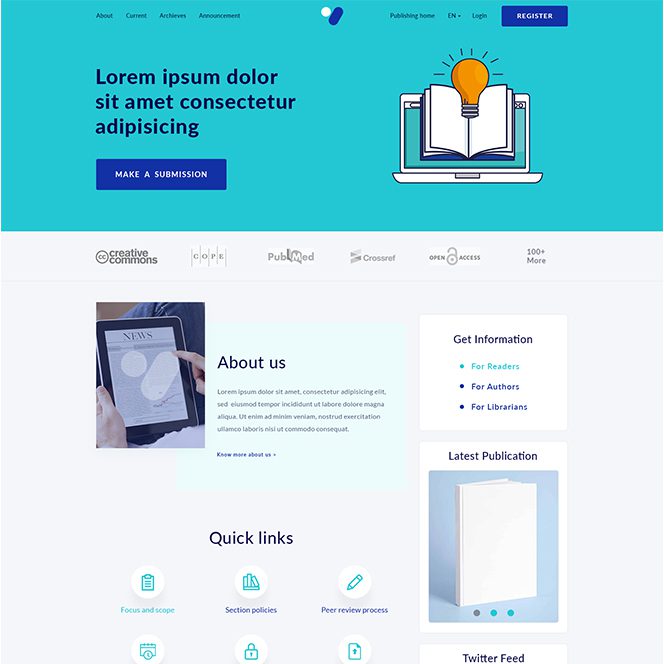
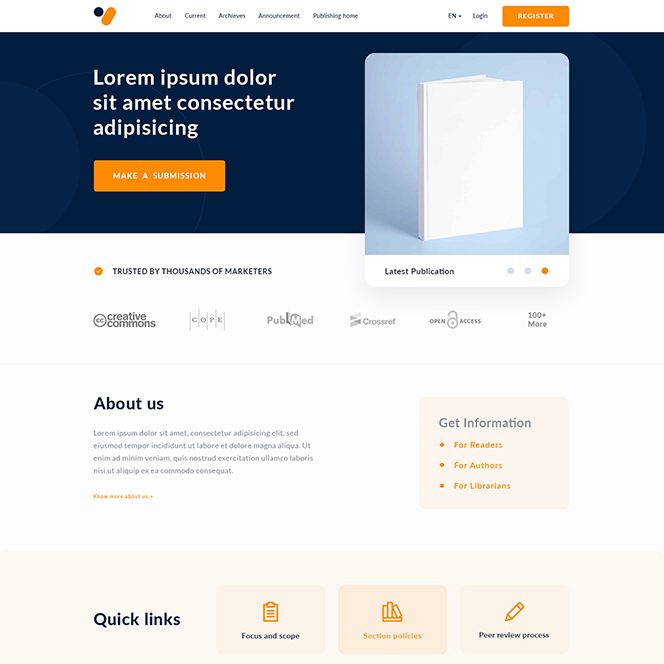
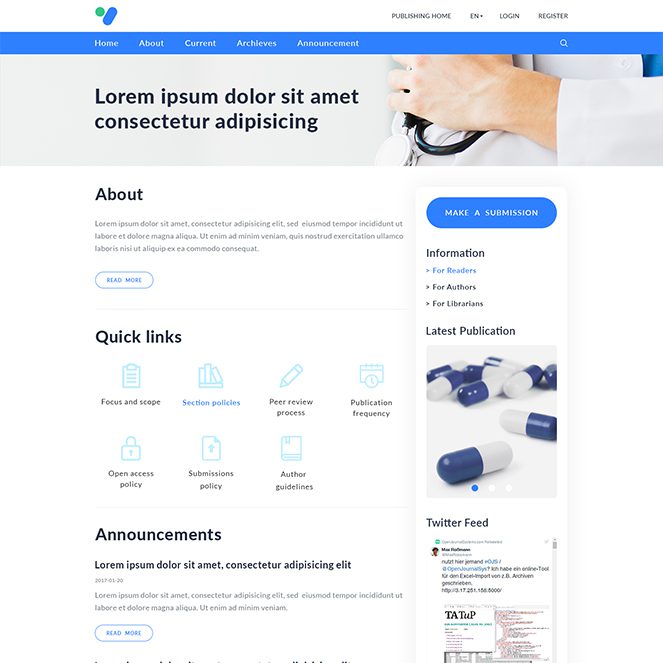
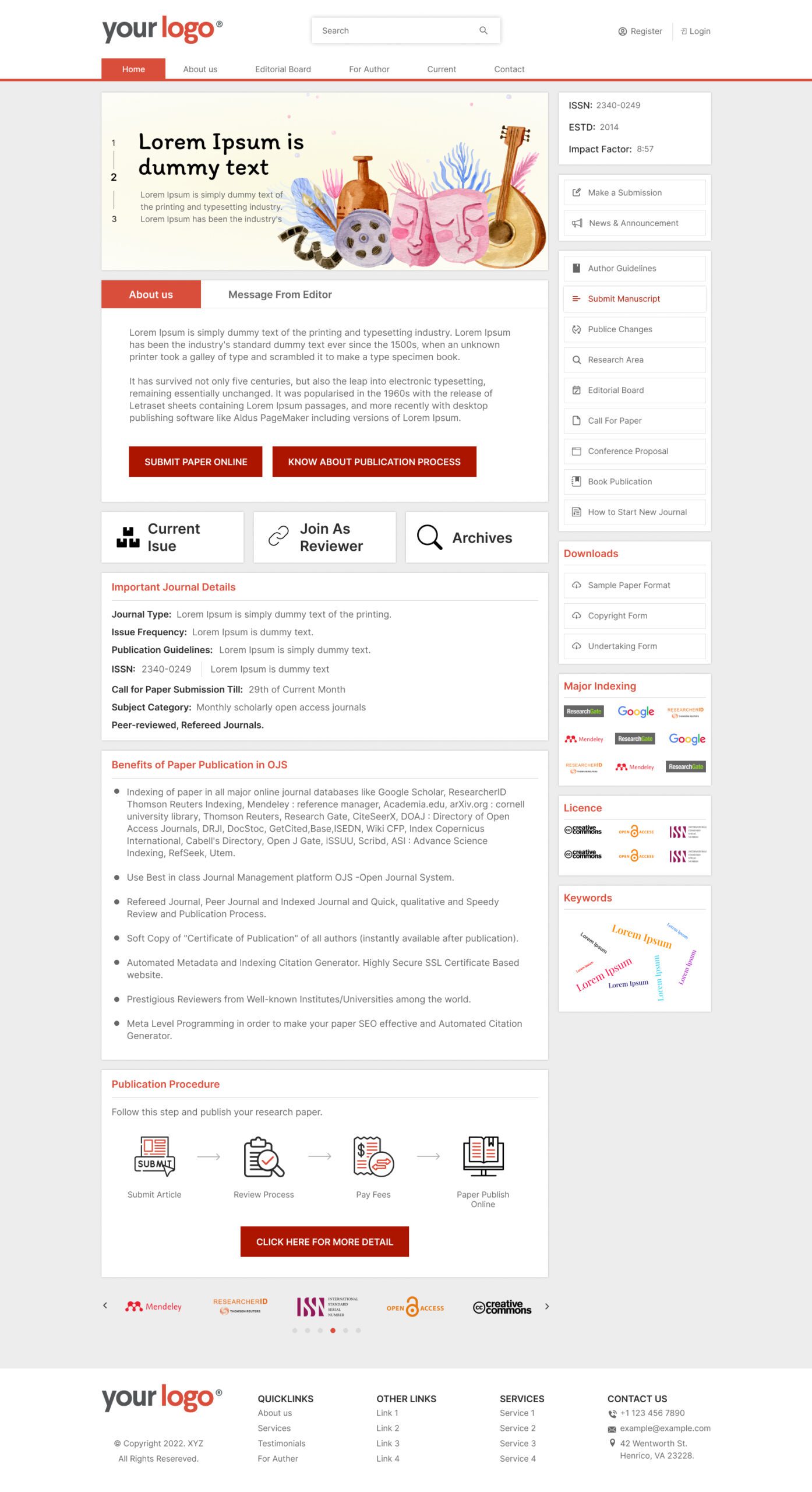
Such themes are designed specially for you as per your choice and industry to give your journal website a unique look. In this way, we will confirm the designs before integrating it with OJS and only after you are happy with designs we move ahead and setup OJS with this design. These themes are most light weight, mobile responsive and fast in performance. - Ready-made OJS themes
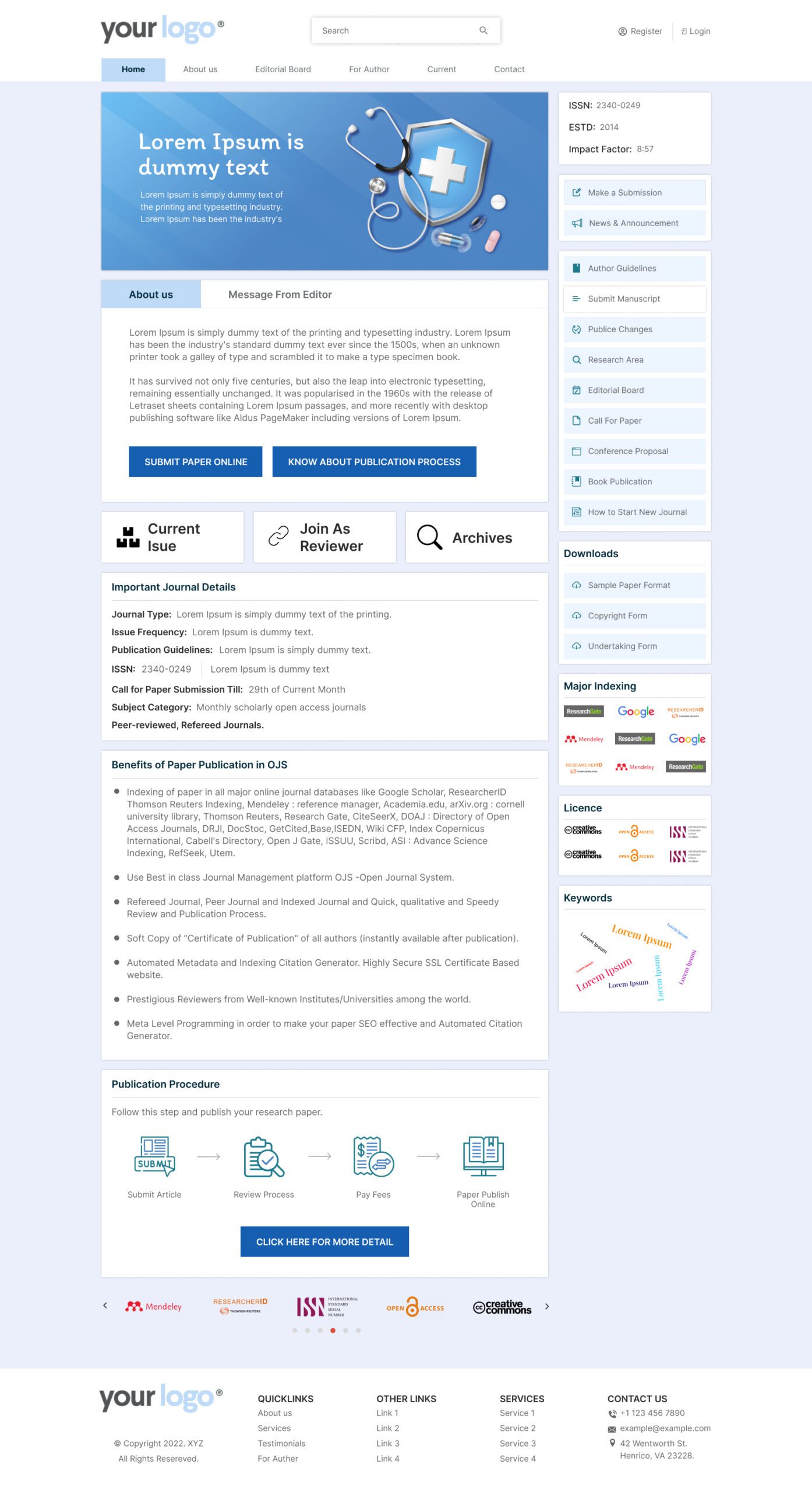
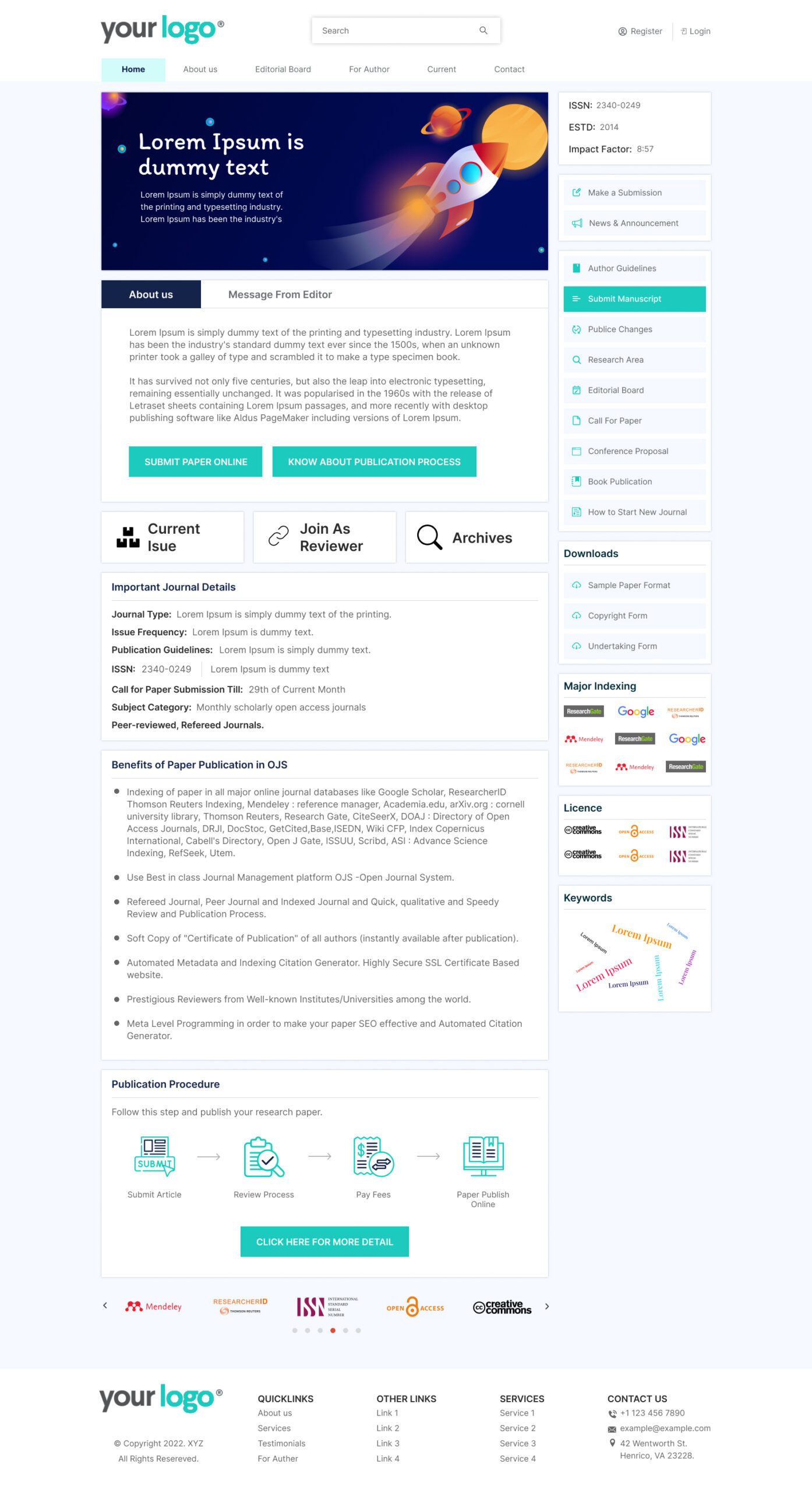
Based on some research, we have created a pool of few readymade OJS themes which can be used for any type of Journal setup with different color combinations of your choice. These OJS themes are exclusively available for our OJS hosting customers only without any cost.
Some of our OJS themes
Why OJSCloud for OJS themes?
The main reason to choose our OJS themes for your Journal website is – We have a decade of experience in working with different dominated front-end CMS technologies like Open Journal System and which helped us to create unique OJS themes which are not just good in look but super fast in terms of performance and followed with all the standard practices..
- Most optimized themes to boost performance of your Journal website
- For OJS Hosting customers it is totally free to use
- We are one of the trendsetters in giving a new look to Journals built in the Open Journal System.
- Unique custom designed OJS theme to give totally fresh and unique look to your Journal website
- Coming soon with some more modern OJS themes
OJS themes FAQ
What is a website theme?
It is the look and feel of the website. It includes web page color, web page layout, background, size, font style, header design, footer design, mouse hover effects, etc.
It is the primary thing that will attract website visitors and keep them engaged on the website for a longer time.
What is the OJS theme?
OJS theme refers to the default look and feels along with the layout of the website offered as a standard feature.
Can I change the OJS theme?
No, you cannot change the OJS theme unless you have web development knowledge.
How can I change the OJS theme?
You need an FTP connection to the hosted website from where you can change the theme.
Can I buy the OJS theme for free?
No, You need to purchase it from the OJS setup service providers.
Does OJSCloud have readymade themes for OJS?
Yes, we do have more than 8 readily available OJS themes.
What is the price of the OJS themes from OJSCLoud?
It will cost you $199 USD.
What if I don’t like any of the available themes offered by OJSCloud?
You can go for the full customization option.
What is the price of the OJSCloud custom theme?
It will cost $599 USD.
What are the advantages of the OJSCloud custom theme?
You will have unique looks and feels via endless customization options.
Lightweight for reduced response time compared to standard OJS themes.
Mobile-friendly themes.
What is the recurrence of the cost of custom themes and readymade themes?
You will need to pay one time.
However, for major changes after the launching of the website each task will be charged on an hourly basis.
What will be the requirements for the custom theme?
You need to provide a reference website or briefing which can describe your requirements in an unambiguous manner.